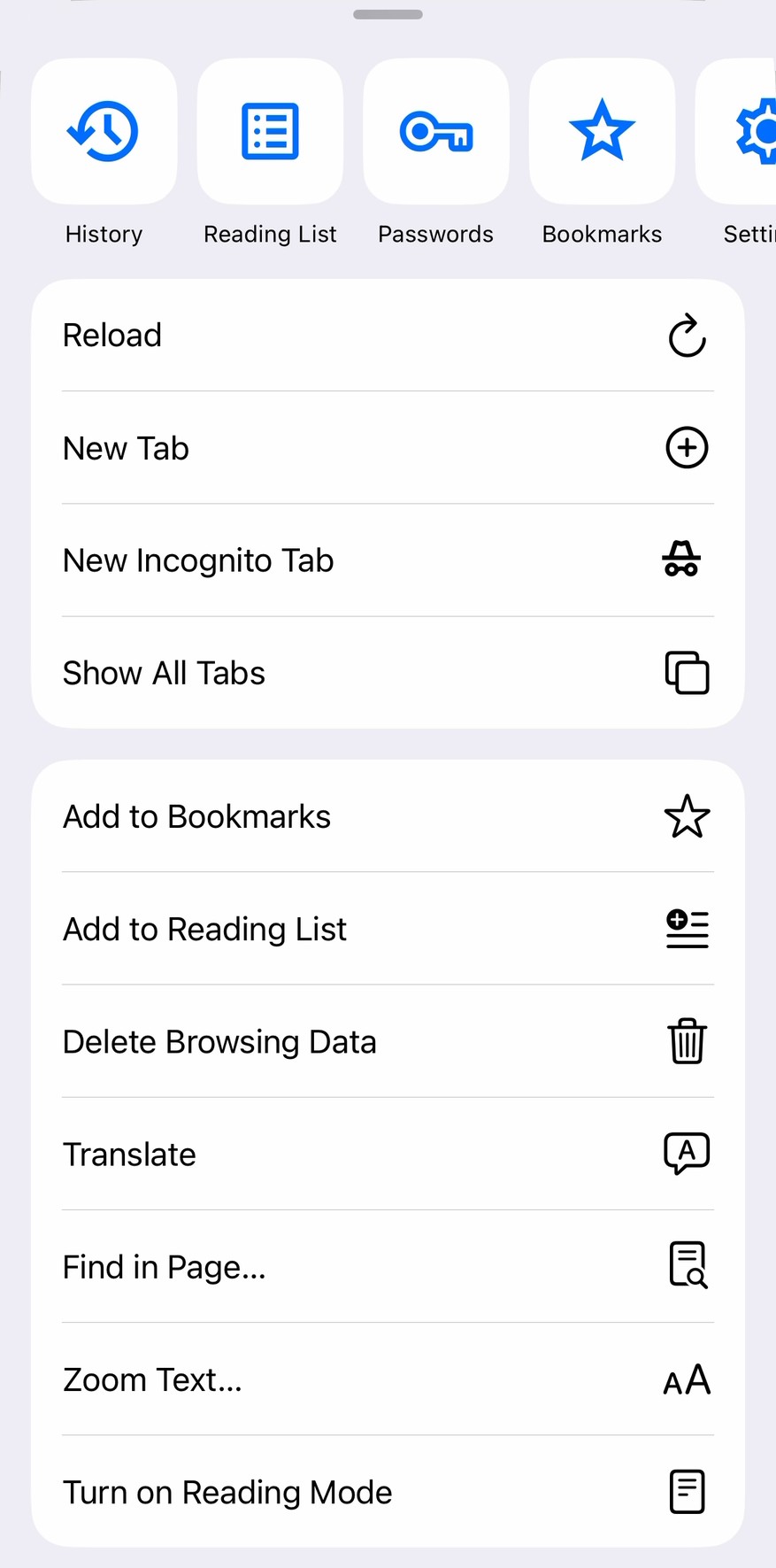
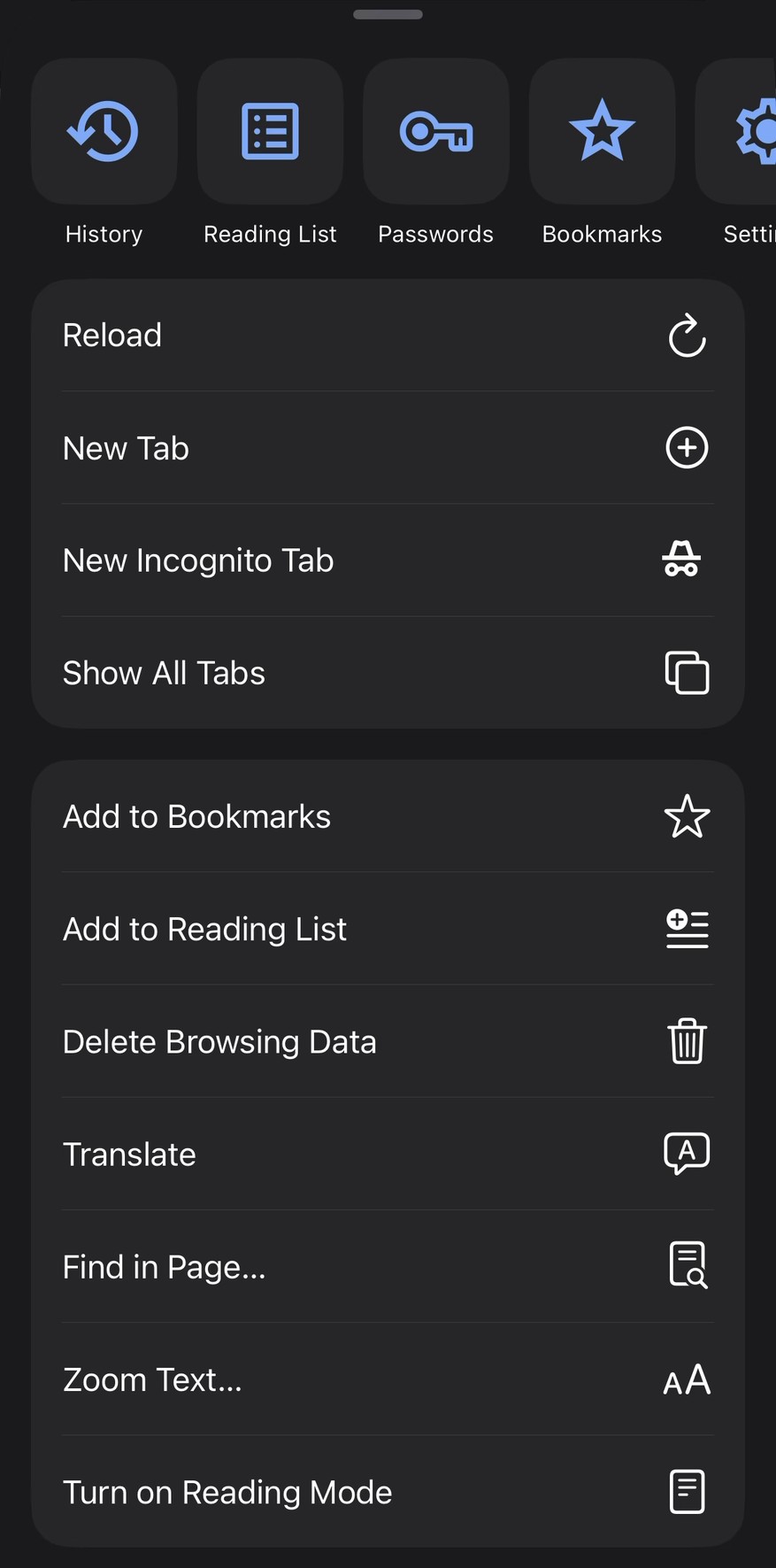
New tab page with all the trimmings.


Gorgeous in any light.
Every screen was drawn twice, once for light and once for dark, so Surge looks deliberate at 8am and at midnight. Controls sit where your thumb already is. Nothing shouts for attention it hasn’t earned.


Every tap builds your stake.
Navigate to a webpage, get Co-op equity.

Your equity. Your Co‑op equity is measured in clicks, or the number of URL navigation events you record while signed in to Surge. When the Co‑op earns a profit, your share of it is calculated as your clicks divided by all clicks. Your equity entitles you to one vote in all matters of Co‑op governance.
Go deeper on user equity.
Your data works for you.
We capitalize on data for the exclusive benefit of our users, who wholly own and control us. We aren’t a privacy company. Here’s what we do with your data, and what we don’t.
Do you use my data to personalize Surge?
We will.
We incorporate your feedback and browsing activity to improve Surge, but we don’t yet personalize Surge with this data.
Do you use my data to build new services?
We will.
This is how we become a big tech company.
Do you show me targeted ads?
We will.
The targeted ads business is huge, and we want our users to get a piece of it.
Do you share my data with companies that work for you?
Yes.
We share your data with payment processors, database service providers, and other third parties so we can operate our services.
Do you sell my data?
No.
We don’t sell raw personal data, but we intend to capitalize on it through product personalization, improvements, and innovations and targeted ads.
Do you collect my browsing data in Incognito?
No.
We don’t collect your Incognito browsing data, and we don’t issue equity for Incognito browsing data.
Do you keep the data that I delete?
No.
Delete your account or any line in your equity ledger and we delete all data that identifies you permanently and instantly.
Who has the final say over your privacy policy?
Our users.
They own and govern the Co‑op that writes it — one user, one vote.
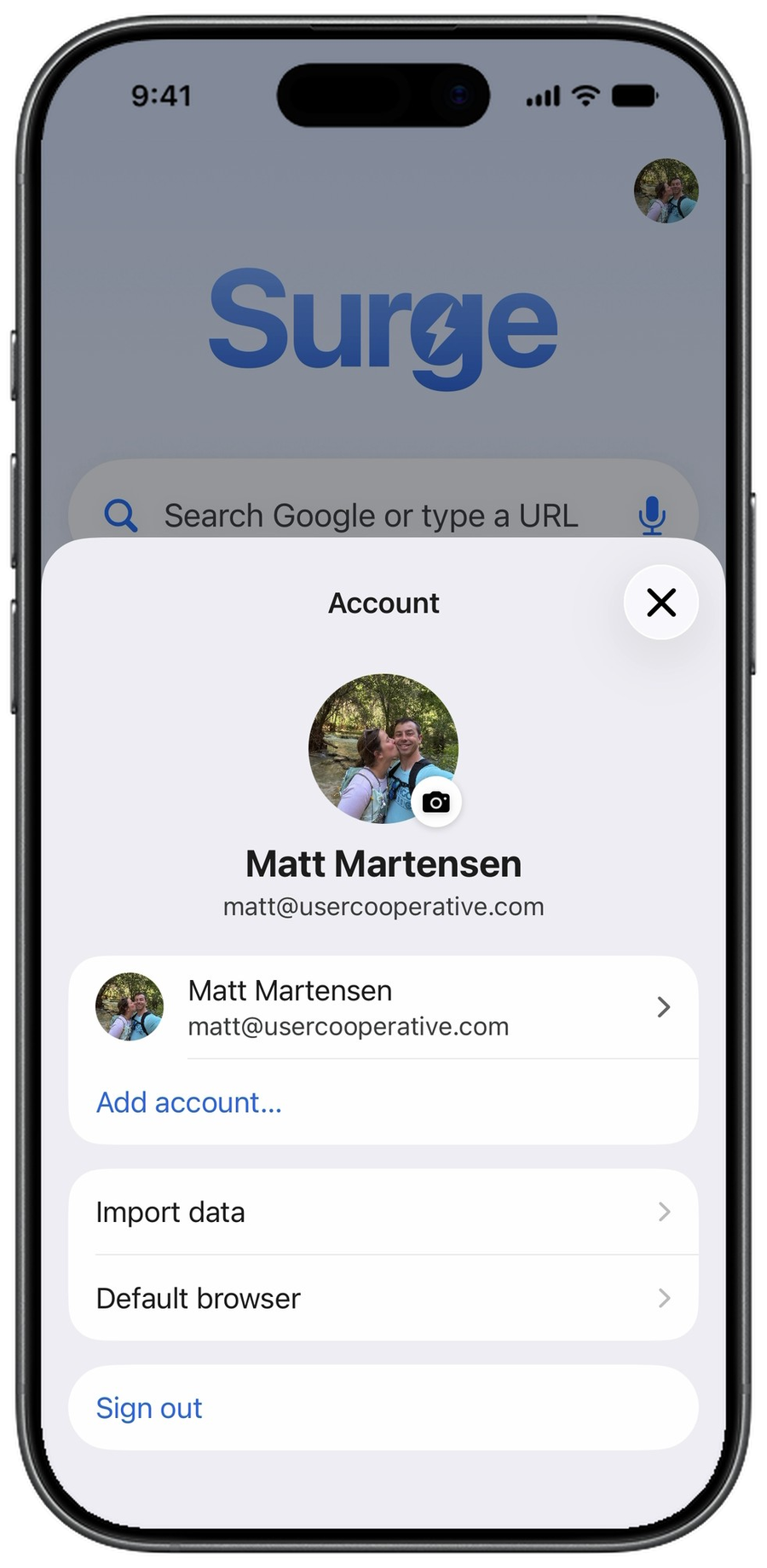
Switch from Safari or Chrome. Import your bookmarks, history and passwords in a few taps. Your imported browsing history counts toward your Co‑op equity, too.
One account, iPhone and Mac. All it takes is an email and a password. Sign in to Surge on iPhone and Mac and your browsing activity syncs between them, so every click counts toward the same stake.
Search your way. Choose Google, Bing, DuckDuckGo or Yahoo for what you type in the address bar and search box, and for the suggestions that come with it.
Security. Face ID guards your equity ledger and the passwords and details Surge fills in for you. Google Safe Browsing warns you away from dangerous sites, and Surge connects over HTTPS only, warning you before any page that can’t.
Built on WebKit. Surge renders every page with WebKit, the engine behind Safari: fast, power-efficient and built to web standards, so pages load quickly and go easy on your battery.
Download Surge from the App Store.
Import browser data, get Co‑op equity for history.
Browse and get Co‑op equity.
Download Surge